Download for WindowsDownload for Mac
70

Νishinoya#EUW

EUWMaster 339 LP#13,296 on EUW

Ranked Solo/Duo

This season
Master339 LP
53%231W 206L
  • Ranked FlexUnranked

No ranked games of Νishinoya's in the last 30 days are in MID.GG's records yet.

Match history

Ranked, last 30 days
  1. FROM MID.GG

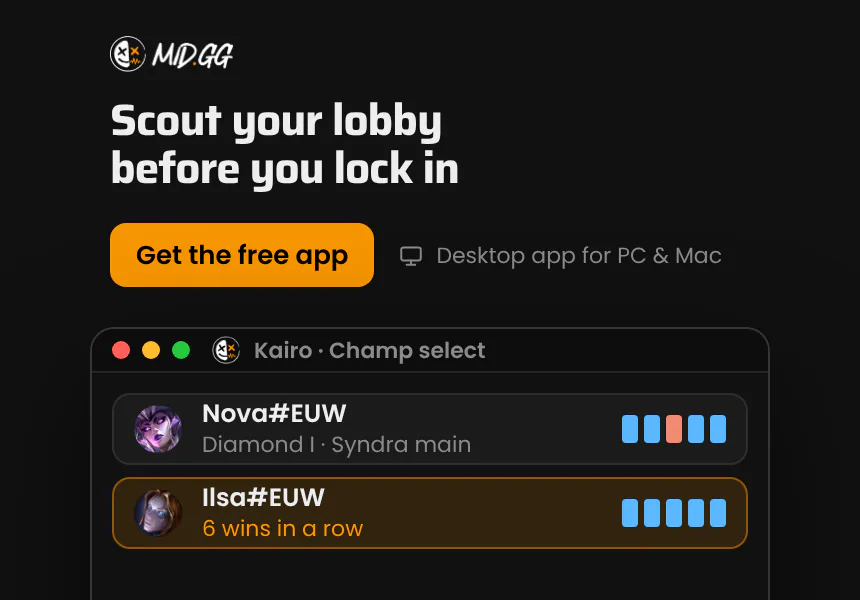
    Scout your lobby before you lock in. See every player's rank, main and recent form while you're still in champ select. The MID.GG desktop app, free for Windows and Mac.

About Νishinoya

Νishinoya#EUW is a Master player on EUW at 339 LP, with 231 wins and 206 losses in solo queue this season. They are #13,296 on MID.GG's EUW ladder.

Questions

What rank is Νishinoya#EUW?

Master in solo queue on EUW with 339 LP. They have 231 wins and 206 losses in solo queue this season.

How is this profile updated?

MID.GG updates it each day from the ranked games it records. Games older than 30 days drop off the page.

Track your LP live. The free MID.GG desktop app for PC and Mac.
MID.GG

Your download is starting.Check your downloads folder.

Download & installation guide

Step 1

Open the file

Open the MID.GG Setup .exe from your browser's downloads list, usually in the top-right corner.

Step 2

Install

Once you open the file, MID.GG installs itself on your PC. If Windows asks you to confirm, choose Yes.

Step 3

Run the app

MID.GG launches as soon as installation completes. Sign in and it starts tracking your games.

Step 1

Open the file

Open the MID.GG .dmg from your browser's downloads list, usually in the top-right corner.

Step 2

Drag to Applications

In the window that opens, drag MID.GG into your Applications folder.

Step 3

Run the app

Open MID.GG from Applications. If macOS asks whether you want to open it, choose Open. Sign in and it starts tracking your games.

Trouble downloading? Join our Discord for setup support.

Get MID.GG on your computer

Send the download link to your inbox and open it on your PC or Mac.

Runs on Windows and macOS 11 or later. Not available on phones or tablets.